coinrush

Coin Rush is a small indie game created in 2023 by Psychic9000.
This game consists of 4 Different Aspects: Collecting Coins, Unlocking Skins, Progressing, and Surviving.
Your main goal in this game is to collect coins, gain upgrades, and unlock skins, trying your best to rise to the top and be the richest Coin Rush player!
Keyboard and Mouse
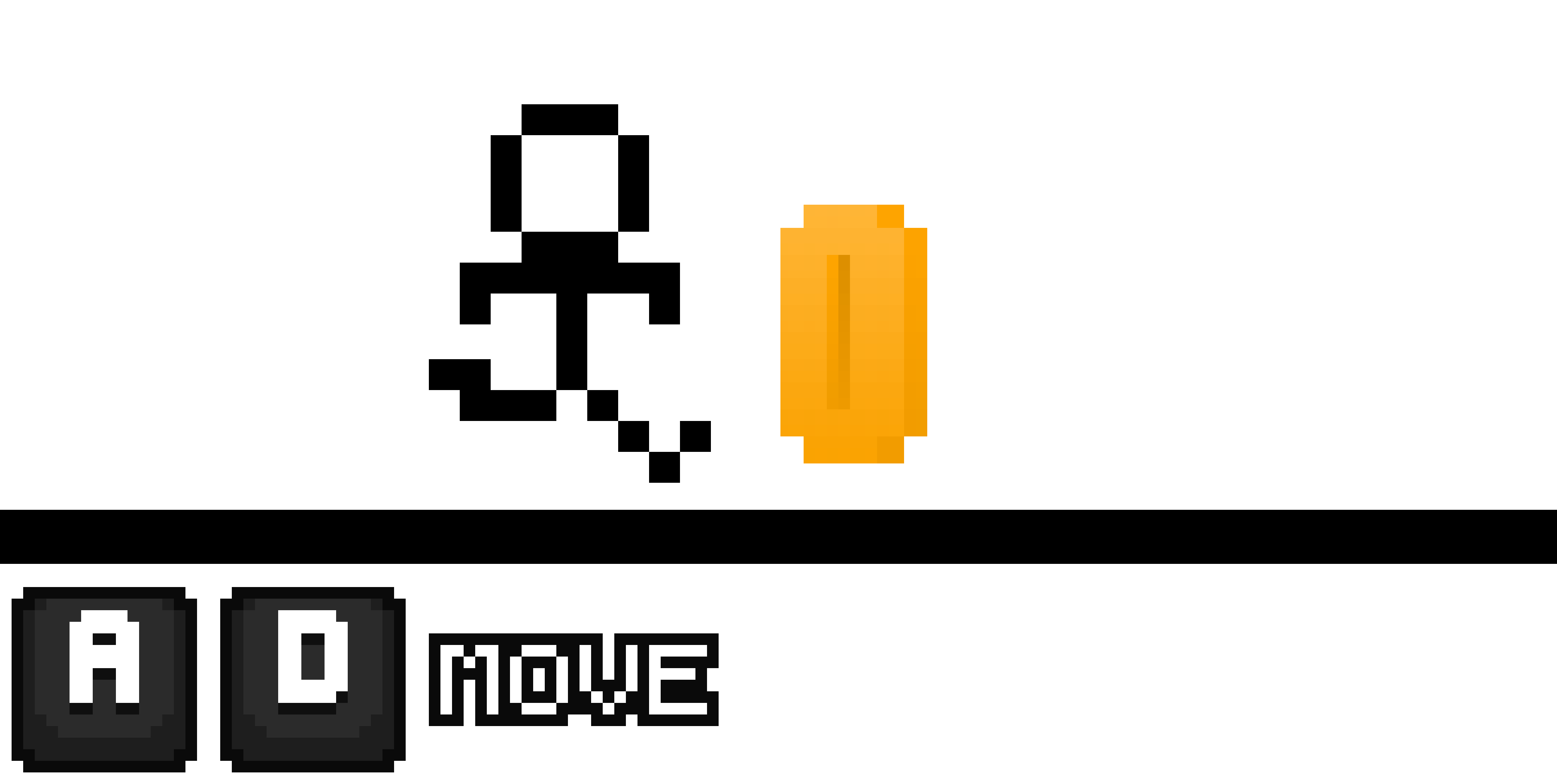
To traverse the area on Keyboard and Mouse, use the A and D keys on your keyboard.
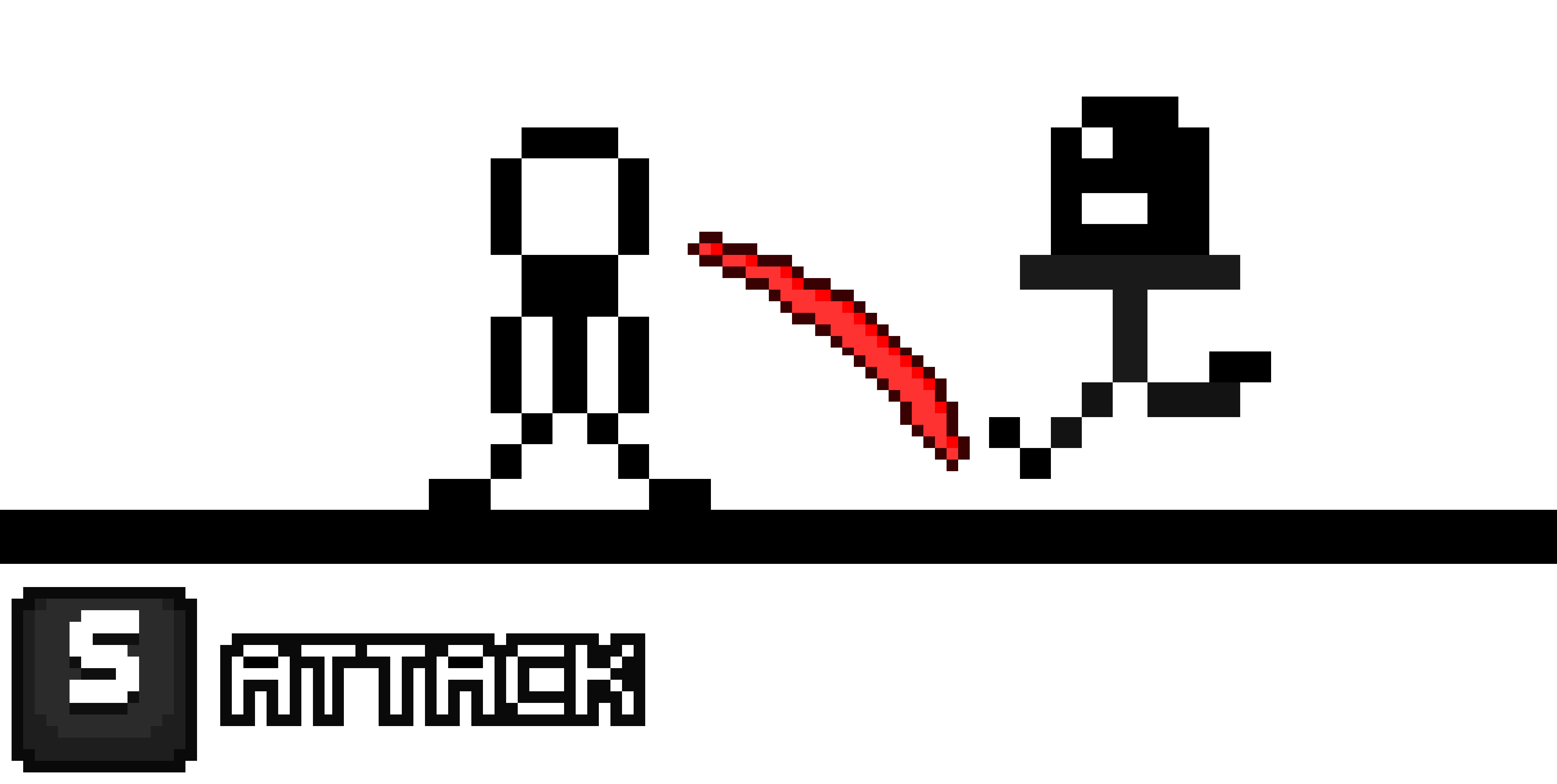
There are robbers that come from either sides of the screen to hurt you. To avoid the damage, aim your cursor towards the side of the screen the threat is coming from, and press S on your Keyboard.
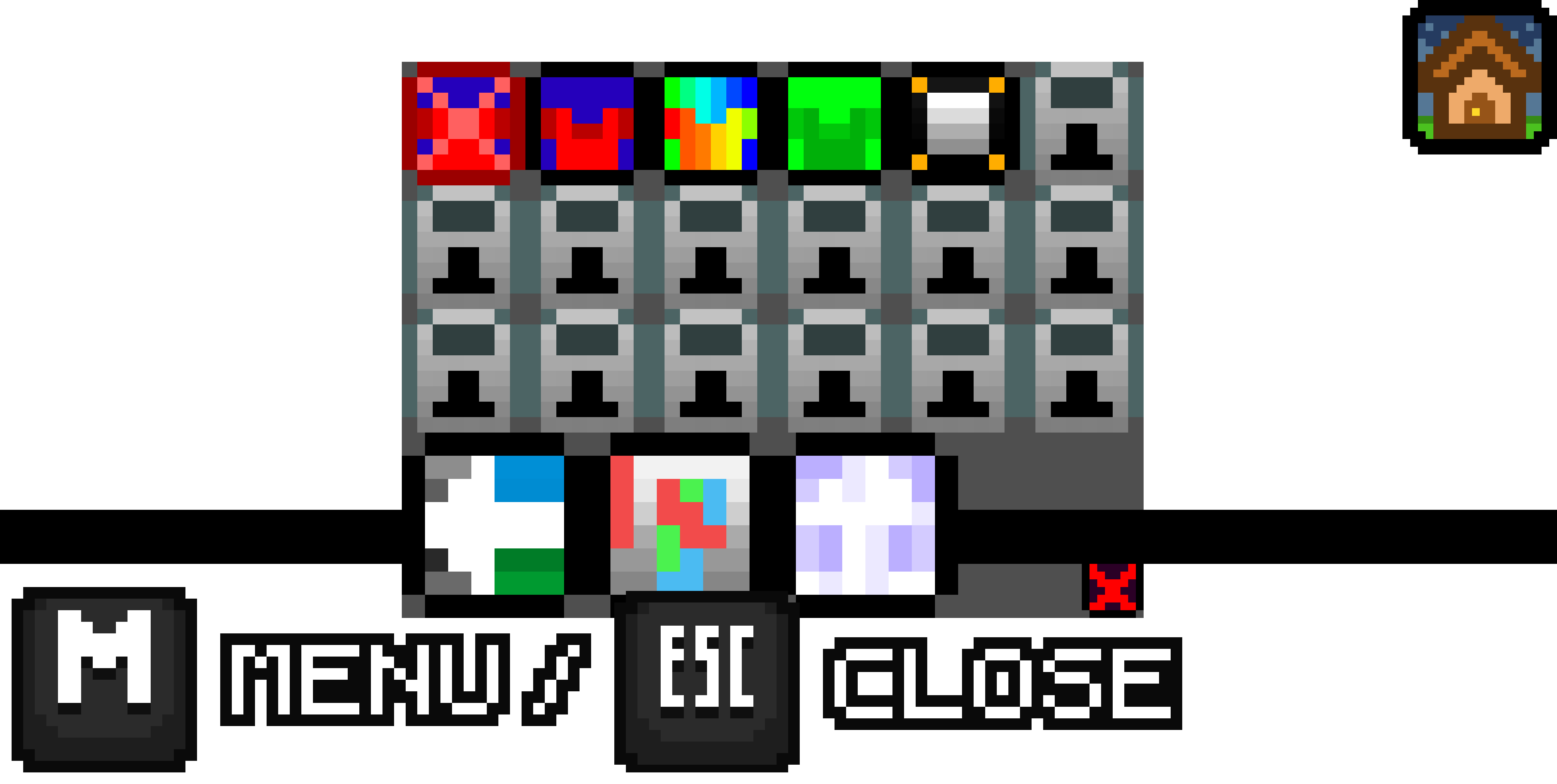
The menu includes all the locked and unlocked skins you have, the games OST, the backgrounds, and the option to submit to the Discord Server. To access the menu, you can either click on the house icon with the Left Mouse Button, or Use M to open, and ESC to close.
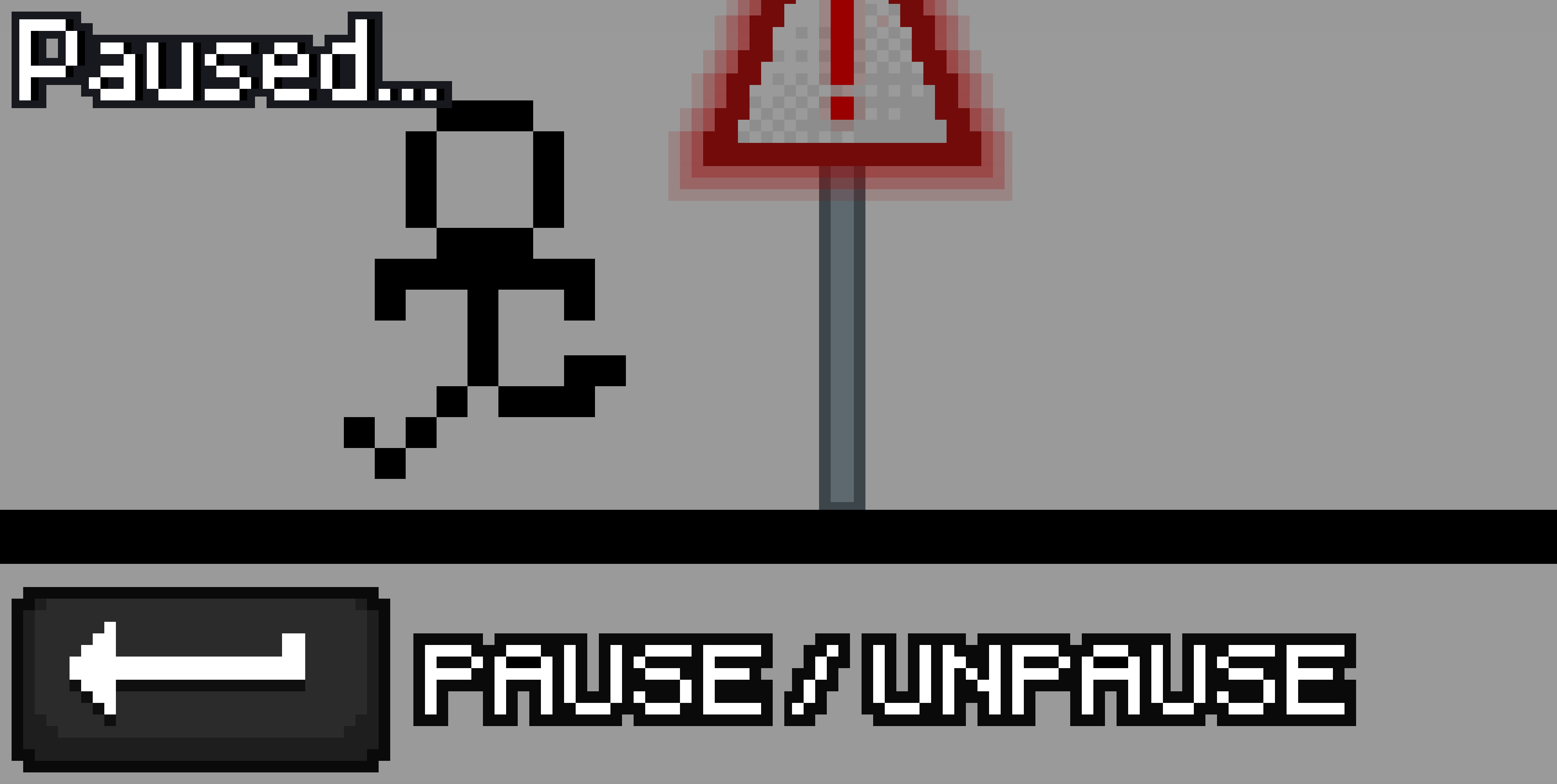
Need a minute? Want to take a break? Just press the Enter key to pause the game, and press it again to unpause the game.
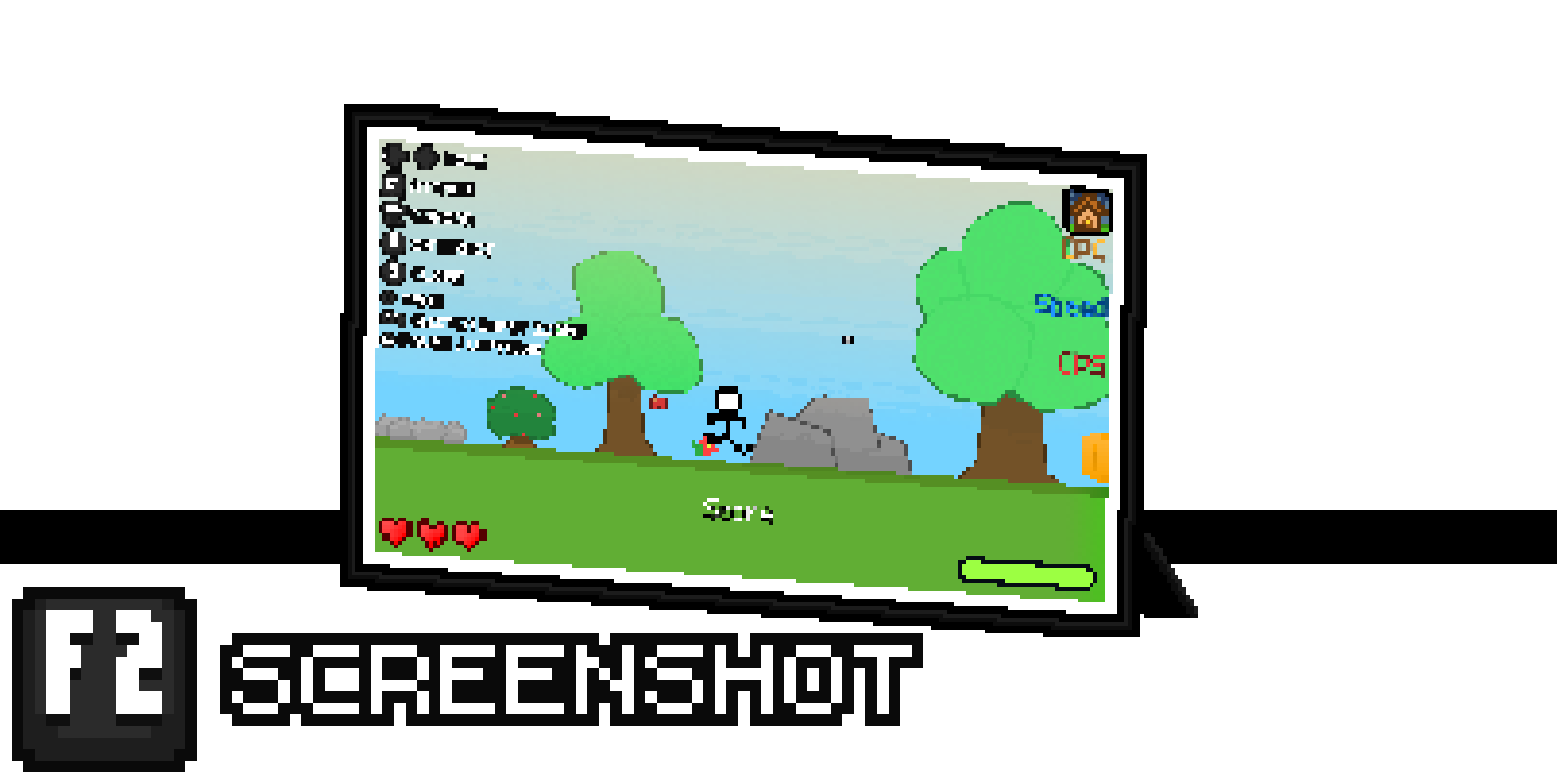
The ability to screenshot something feels great. To take an in-game screenshot, press F2 on the keyboard. This captures the exact frame F2 was pressed and downloads a high quality 1920x1080 PNG file.
Controller
To traverse the area on Controller, use the D-PAD buttons on either your Xbox Controller or PS4 Dual Shock Controller.
Controllers dont have a way to navigate cursors, so instead, use the Right Stick on either your Xbox Controller or PS4 Dual Shock Controller to move the little square cursor around.
Sure, you can move your cursor, but you also need to be able to interact with the UI. To do so, press either A or X (depending on whatever controller you’re using).
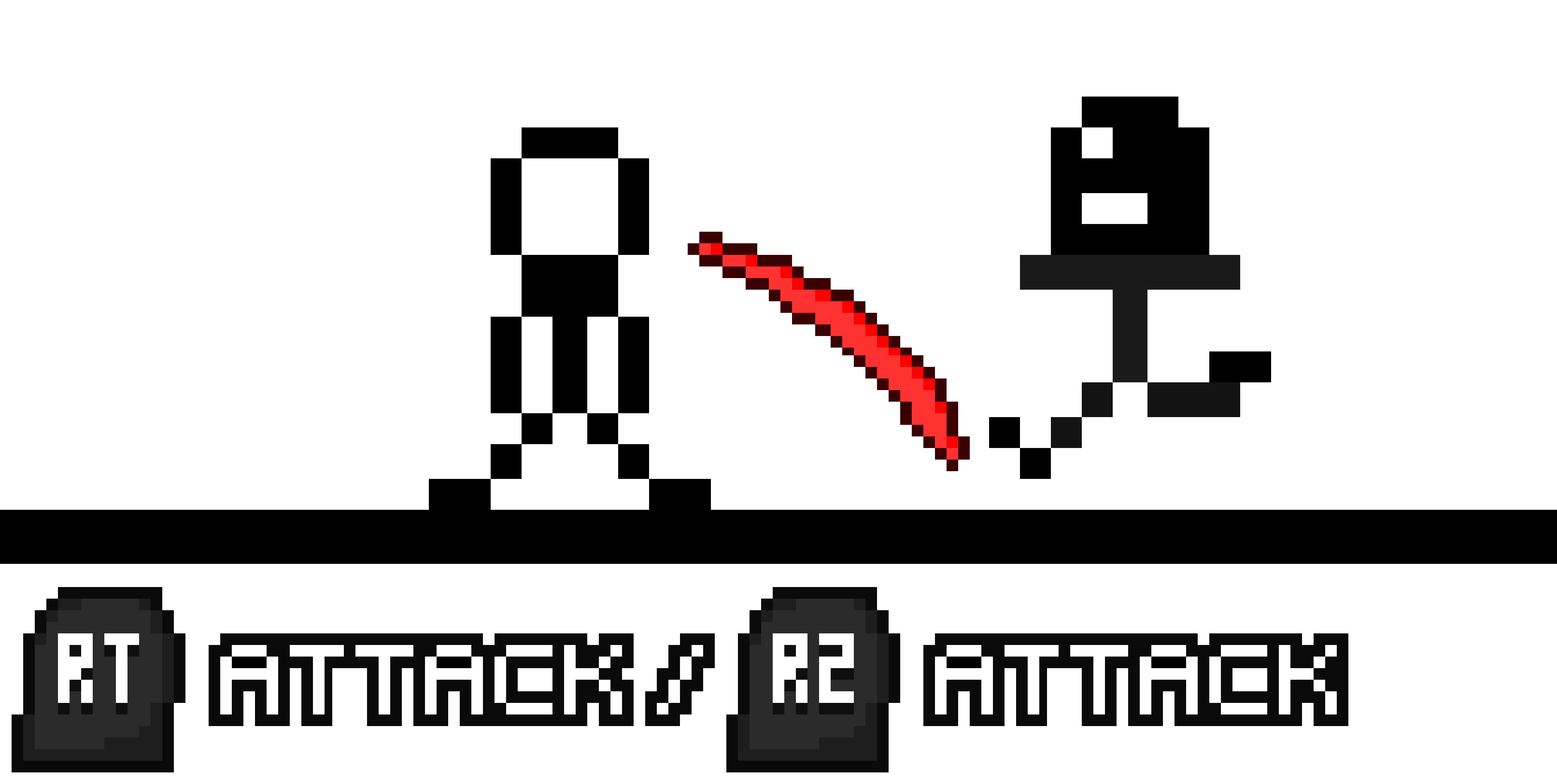
There are robbers that come from either sides of the screen to hurt you. To avoid the damage, aim your cursor towards the side of the screen the threat is coming from, and press RT or R2 (depending on whatever controller you’re using).
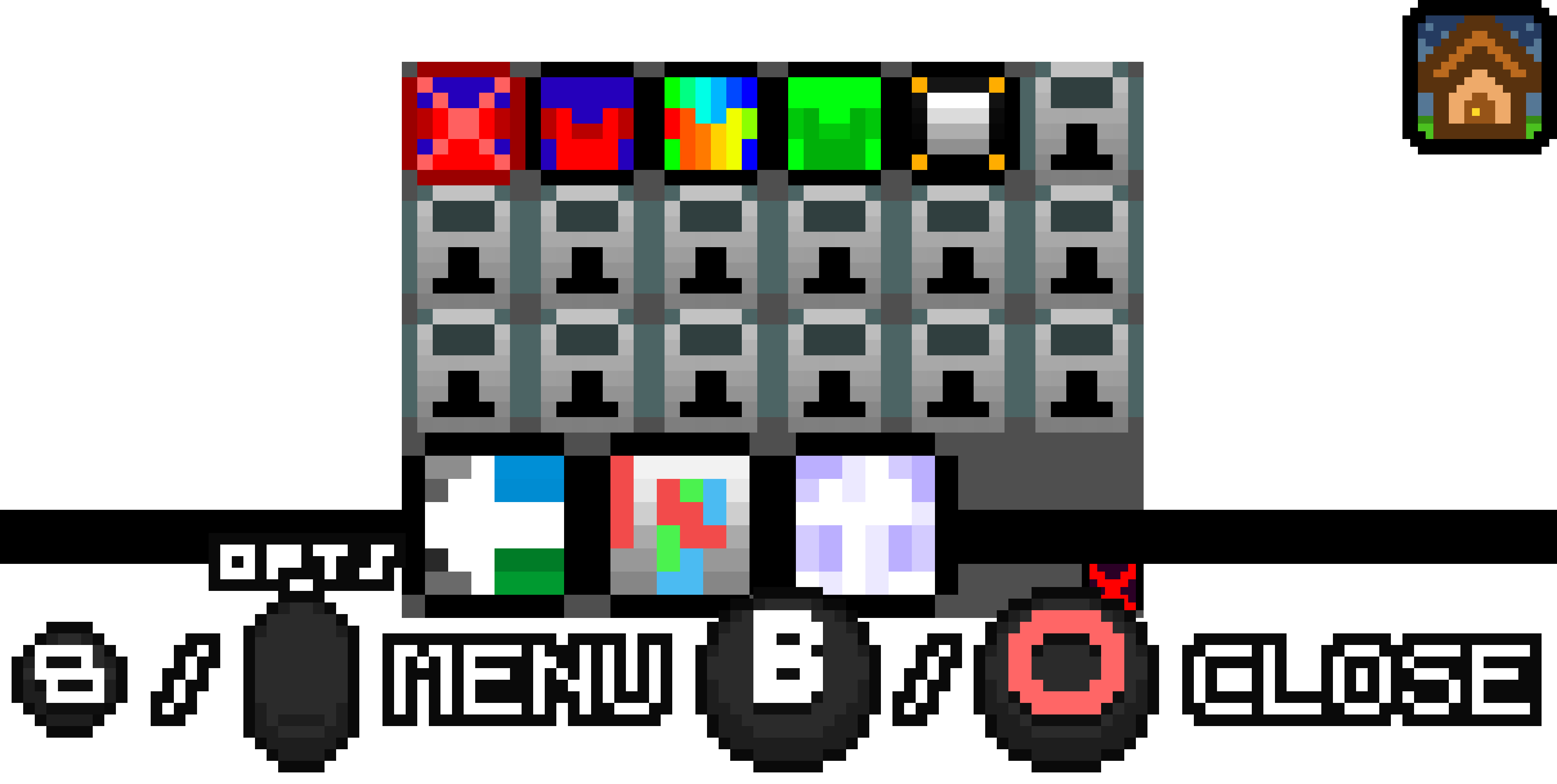
The menu includes all the locked and unlocked skins you have, the games OST, the backgrounds, and the option to submit to the Discord Server. To access the menu, you can either click on the house icon with the Controller Cursor, or Use Share or Options (depending on whatever controller you’re using), and B or Circle to close.
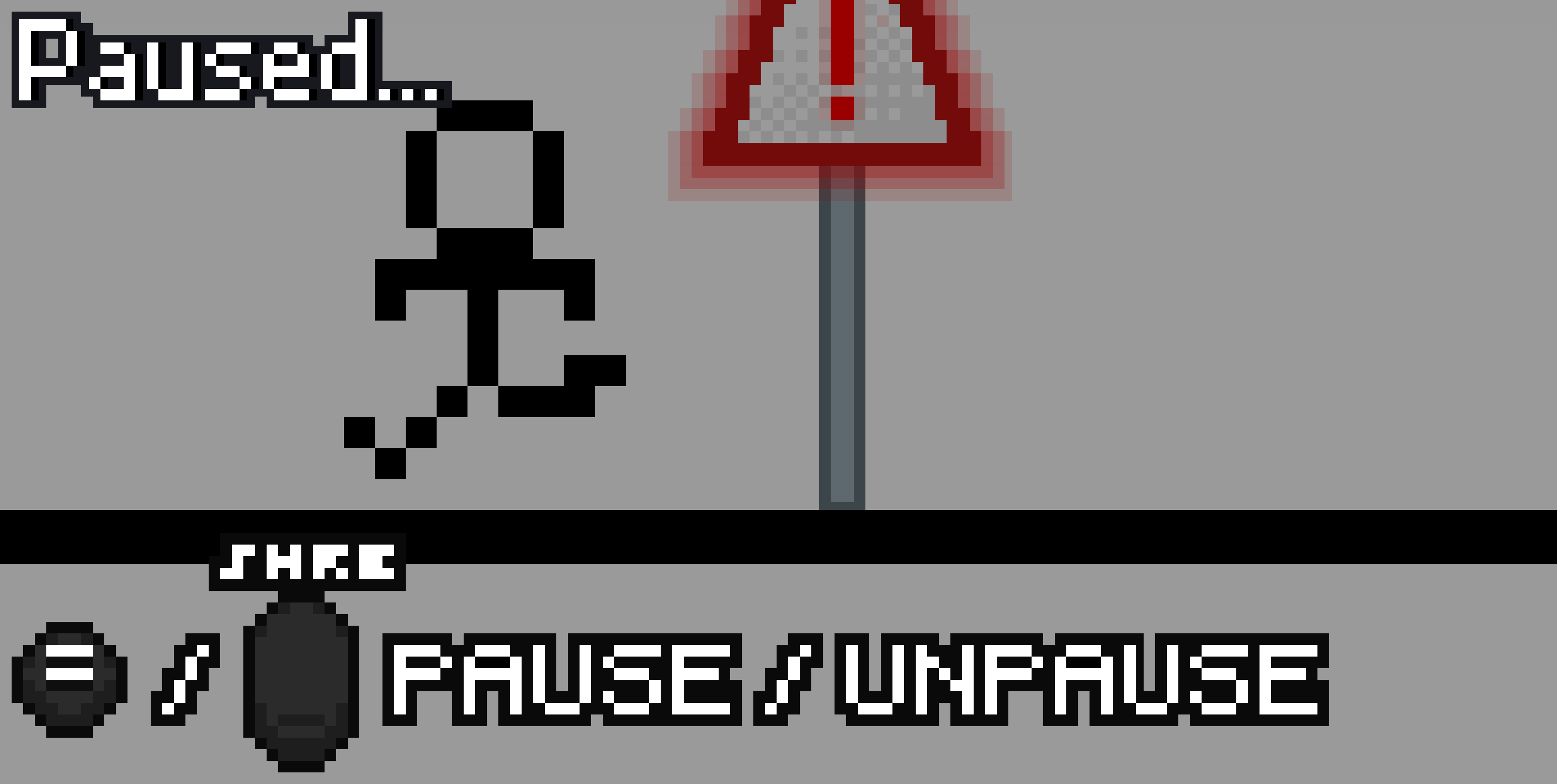
Need a minute? Want to take a break? Just press the Menu Button or Share Button (depending on whatever controller you’re using) to pause the game, and press it again to unpause the game.
Disclaimer
If your controller input icons aren’t the same as the ones shown on screen, you can use either RB or R1 to change what button input Icons you’re using.